
Artificial intelligence has moved from the tech headlines into the toolbox of homeowners tackling kitchen renovations. AI kitchen design software analyzes room dimensions, lighting, and workflow patterns to generate realistic layouts in minutes, something that used to require hours with a designer and a hefty deposit. Whether someone’s planning a full gut-and-remodel or just rearranging cabinets, these tools provide visual mockups, material recommendations, and cost estimates before a single wall comes down. The technology won’t replace the need for a contractor when walls move or plumbing relocates, but it cuts through the early planning chaos and helps homeowners make smarter decisions before the first demolition day.
Key Takeaways
- AI kitchen design tools use machine learning to generate realistic layouts and cost estimates in minutes, dramatically reducing the planning time compared to traditional designer consultations.
- Kitchen design AI provides visualization benefits that help homeowners catch costly mistakes digitally—such as poor tile-cabinet contrast or awkward pendant light placement—before materials are ordered and installed.
- AI tools excel at exploring layout options and creating material lists, but they don’t understand structural constraints like load-bearing walls, complex plumbing relocations, electrical upgrades, or local building codes—requiring professional input for major renovations.
- Cost transparency through integrated pricing databases allows homeowners to compare cabinet styles, countertop materials, and appliance costs for realistic budgeting before committing to a contractor.
- Successful AI kitchen design projects combine automated layout generation with professional contractors for structural work, permits, and execution, ensuring both creative vision and code compliance.
- Measure accurately, photograph clearly, define your must-haves, and generate multiple concepts before refining your top choice—the step-by-step approach to AI kitchen design prevents costly revisions and miscommunication with contractors.
What Is AI Kitchen Design and How Does It Work?
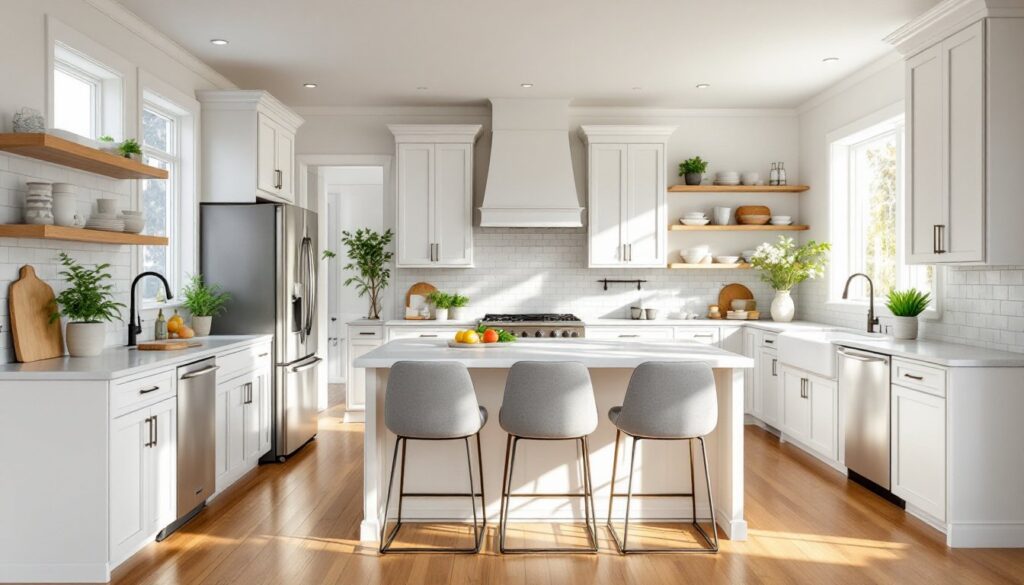
AI kitchen design tools use machine learning algorithms trained on thousands of real kitchen layouts, design trends, and spatial relationships. A user uploads photos or measurements of their existing space, and the software identifies walls, windows, doors, and structural elements. The AI then generates multiple layout options based on standard kitchen work triangle principles, the efficient flow between sink, stove, and refrigerator.
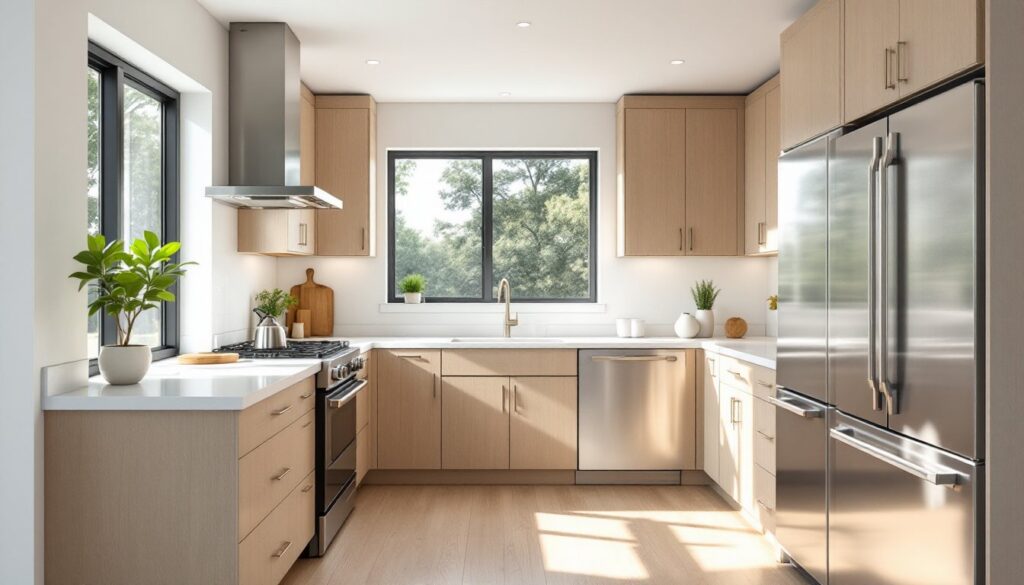
Most platforms allow users to specify preferences: cabinet style, countertop material, appliance placement, and color palettes. The AI cross-references these choices against design rules (like maintaining 42-48 inches of clearance in walkways and ensuring adequate counter space flanking the cooktop) and building conventions. Advanced tools simulate natural light throughout the day and render photorealistic 3D images showing how finishes will look under different lighting conditions.
The technology doesn’t replace architectural knowledge. It won’t calculate joist load for removing a bearing wall or determine if existing electrical service can handle a new induction range. But it handles the visual heavy lifting and layout iterations that used to require multiple drafts from a designer.
Why Use AI for Your Kitchen Renovation Project?
Speed is the most obvious advantage. Traditional design consultations involve back-and-forth revisions over weeks. AI tools produce a dozen variations in an afternoon, letting homeowners compare a galley layout against an L-shaped configuration or test different cabinet heights without waiting for callback appointments.
Cost transparency comes next. Many AI platforms integrate pricing databases that estimate cabinet costs, countertop square footage, and appliance expenses based on selected materials. These aren’t contractor bids, but they provide realistic ballpark figures for budgeting, crucial when deciding between quartz and granite or stock cabinetry versus semi-custom.
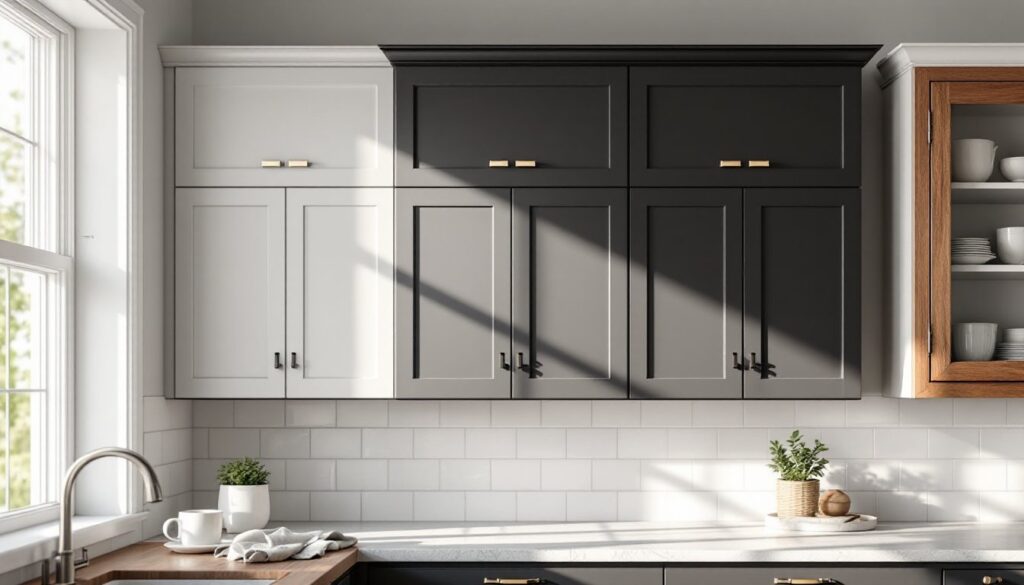
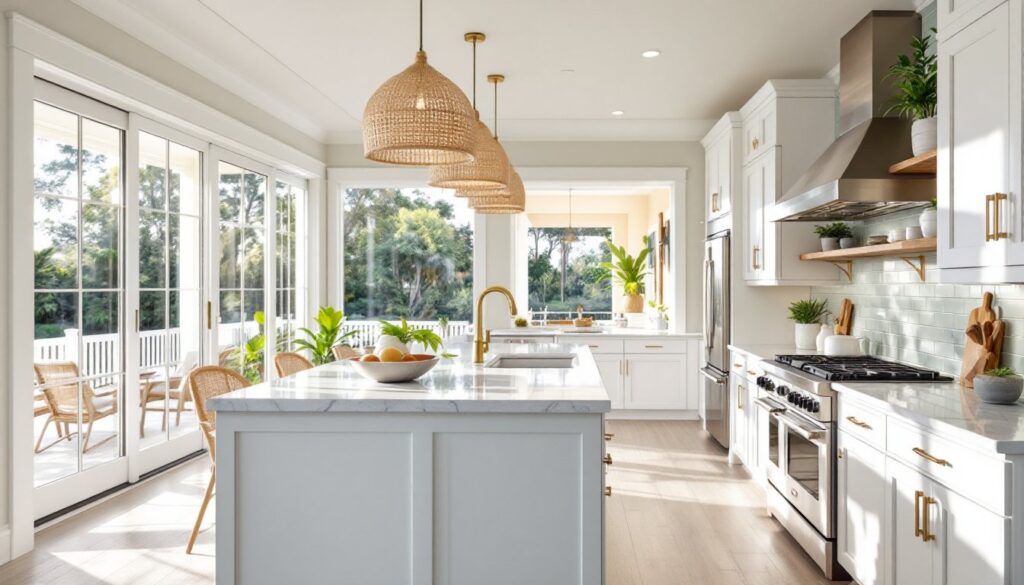
Visualization helps avoid expensive mistakes. Seeing a subway tile backsplash rendered against dark cabinets might reveal that the contrast is too harsh, or that the pendant lights hang too low over the island. Catching these issues digitally is cheaper than ordering materials and discovering the problem during installation.
The tools also help DIYers communicate with contractors. Walking into a consultation with AI-generated layouts and a material list shows the project is thought-through, which often leads to more accurate estimates and fewer scope-creep surprises mid-project.
Top AI Kitchen Design Tools and Platforms for Homeowners
Planner 5D offers a free tier with drag-and-drop furniture placement and an AI-assisted smart design mode. It’s beginner-friendly but lacks detailed material libraries. Good for general layout exploration before committing to a paid platform.
Homestyler provides photorealistic rendering and integrates product catalogs from major manufacturers. Users can drop in actual appliance models and see accurate dimensions. The AI suggests furniture arrangements and flags clearance issues, though it occasionally misses nonstandard room shapes.
Roomsketcher focuses on floor plans and 3D walkthroughs. Its AI tools auto-furnish rooms based on style preferences (modern, farmhouse, industrial). It’s useful for understanding how a kitchen connects to adjacent spaces but requires manual measurement input, no photo-based room scanning.
Foyr Neo targets professionals but offers accessible plans for homeowners. The AI generates multiple design concepts from a single prompt (“Scandinavian kitchen with breakfast nook”). Rendering quality is high, and it handles custom dimensions well, though the learning curve is steeper than consumer-focused apps.
Many AI-generated kitchen design platforms now include augmented reality features, letting users preview cabinets and finishes directly in their space using a smartphone camera.
Step-by-Step Guide to Designing Your Kitchen with AI
1. Measure the space accurately. Use a laser measure to record wall lengths, ceiling height, window and door placements, and locations of existing plumbing and electrical outlets. Note which walls are load-bearing, AI won’t know this, but it matters when evaluating layout options.
2. Photograph the current kitchen. Capture each wall straight-on, plus corners and any architectural quirks (soffits, angled ceilings, radiators). Good lighting helps the AI identify structural elements correctly.
3. Input data into the AI tool. Upload photos or manually draw the floor plan using measurements. Mark immovable elements: gas lines, main drain stacks, windows, and exterior doors. These constrain the layout more than the AI might assume.
4. Set design parameters. Specify must-haves (dishwasher, double sink, pantry) and preferred styles. Be realistic about appliance sizes, a 48-inch pro range requires different ventilation and clearances than a standard 30-inch model.
5. Generate and compare layouts. Most tools produce 3-5 initial concepts. Evaluate each against the work triangle, traffic flow, and whether the person who cooks most would actually use the layout comfortably. Dismiss options that put the sink far from existing plumbing unless re-routing is in the budget.
6. Refine the top choice. Adjust cabinet configurations, swap materials, and test different lighting placements. Kitchens benefit from layered lighting approaches, including task lights under cabinets, ambient ceiling fixtures, and accent lighting in glass-front cabinets.
7. Export plans and material lists. Save floor plans, elevations, and 3D renderings. Use these when soliciting contractor bids or ordering materials. Double-check that cabinet dimensions match standard sizes (base cabinets are typically 24 inches deep, wall cabinets 12 inches) unless going custom.
AI Design Limitations and When to Consult a Professional
AI tools don’t understand structural implications. Removing a wall to open the kitchen to the dining room might look great in a rendering, but if that wall carries floor joists or roof load, it requires an engineer’s calculations and a beam installation, not something an algorithm addresses.
Plumbing and electrical constraints often aren’t flagged. Moving a sink to an island sounds appealing until the plumber explains that the drain needs adequate slope and venting, which might require cutting into floor joists or adding a vent stack. Similarly, adding a 240V circuit for an electric range involves panel capacity checks and potentially a service upgrade.
Code compliance varies by jurisdiction. The International Residential Code (IRC) sets baseline requirements, minimum aisle widths, GFCI outlet placement, ventilation rates, but local amendments differ. AI tools default to general best practices, not the specific code enforced by a homeowner’s building department.
Permit requirements for kitchen remodels depend on scope. Swapping cabinets and countertops typically doesn’t need permits. Relocating appliances that involve gas lines, adding circuits, or altering ventilation usually does. Moving walls, windows, or structural elements always requires permits and inspections.
Consult a kitchen designer or contractor when the project involves:
- Structural changes (removing walls, adding windows, raising ceilings)
- Major plumbing relocation (moving the sink more than a few feet)
- Gas line work (always requires a licensed plumber or gas fitter)
- Complex electrical upgrades (subpanel installation, service increases)
- Custom cabinetry where exact fit matters for unusual spaces
AI excels at the creative exploration phase. Professionals handle the execution details that keep projects legal, safe, and functional.
Real Results: AI Kitchen Design Success Stories and Inspiration
A homeowner in Portland used AI rendering to test eight different backsplash options before settling on a zellige tile pattern that complemented existing oak floors. The visual confirmation prevented a $600 mistake on materials that wouldn’t have worked.
Another DIYer in Texas designed a galley kitchen remodel using AI to maximize storage in a narrow 8×12-foot space. The tool suggested floor-to-ceiling cabinets on one wall and open shelving on the other to prevent a claustrophobic feel. The layout maintained the 42-inch aisle clearance recommended for single-cook galleys and kept the refrigerator within four feet of the prep zone.
A couple renovating a 1920s bungalow uploaded photos of their awkward kitchen with a door to the basement interrupting the counter run. The AI proposed relocating upper cabinets to flank the door and adding a fold-down table to create a breakfast nook where the old range sat. They took the concept to a carpenter who built a custom fold-down with concealed hinges, turning dead space into a functional eating area.
For broader remodel inspiration and material sourcing, many homeowners combine AI-generated layouts with curated design resources to refine finish selections and hardware details that algorithms don’t yet handle well, like choosing the right drawer pull profile or mixing metal finishes without clashing.
Conclusion
AI kitchen design tools democratize the planning process, giving homeowners professional-grade visualization without the upfront designer fees. They’re excellent for exploring layouts, comparing materials, and building a realistic budget before committing to construction. But they’re a starting point, not a replacement for the structural knowledge, code expertise, and installation skill that contractors and designers bring. Use AI to clarify the vision and narrow the options, then bring in professionals to handle permitting, load-bearing modifications, and the craftsmanship that turns renderings into real kitchens. The combination delivers smarter projects with fewer expensive surprises.